Automated Daily Sales Posting
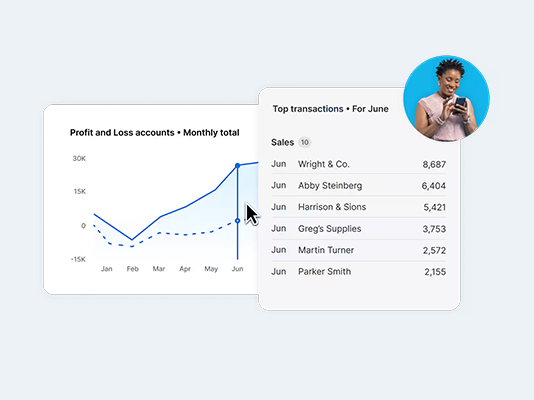
At the end of each trading day, a consolidated sales invoice is automatically created in Xero. Sales are split by nominal codes and payment methods to ensure reporting matches your Touch sales reports.


T : 01992 564 645
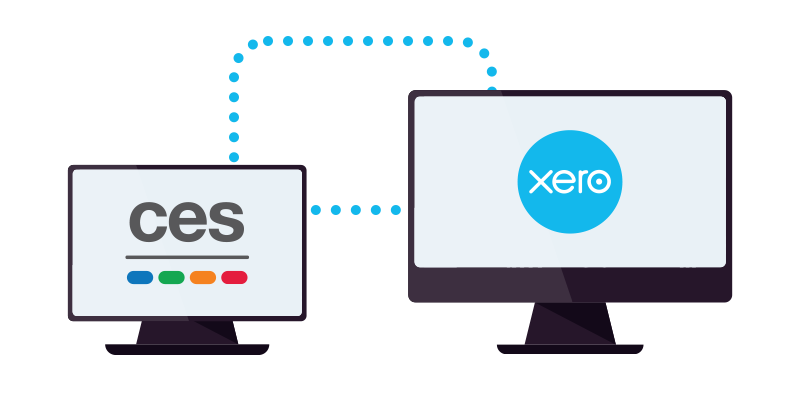
This page is for existing users of CES Touch EPoS Software who wish to connect their system to Xero.
CES Touch is supplied and supported through our network of authorised dealers. To enable the Xero integration, please contact the dealer you purchased your software from and request to have the Xero module added to your Touch licence.
Once the module has been added, your dealer will guide you through the process of connecting CES Touch to Xero and help configure the integration settings as required.
If you’re unsure who your CES dealer is, or if you’re interested in purchasing CES Touch EPoS Software, we’re here to help. Simply email us at sales@cessoftware.com with your details, and a member of our team will contact you and connect you with your nearest authorised CES dealer.
At the end of each trading day, a consolidated sales invoice is automatically created in Xero. Sales are split by nominal codes and payment methods to ensure reporting matches your Touch sales reports.
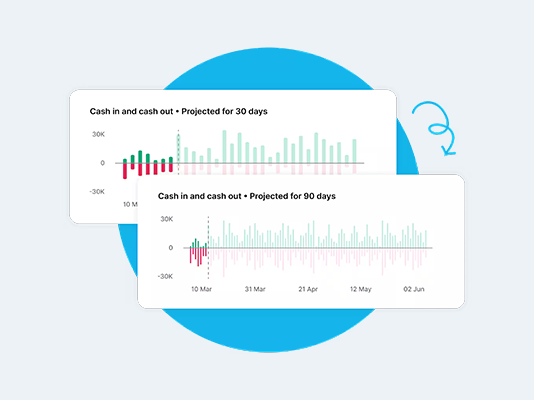
Includes service charge, gratuities, paid in/out, and discounts so that your financial data in Xero always mirrors the figures on your POS.
Includes service charge, gratuities, paid in/out, and discounts so that your financial data in Xero always mirrors the figures on your POS.
Automatically create and update customer accounts in Xero, posting individual invoices, credit notes, and payments directly to matching contacts.
Connect your CES system to Xero using a secure OAuth2 link. Once connected, the integration runs automatically.
Connect your CES system to Xero using a secure OAuth2 link. Once connected, the integration runs automatically.
Stay in control with clear error messages and detailed logs. Each post to Xero is fully tracked, ensuring quick identification and resolution of any issues during data transfer.